ATTENTION SOLOPRENEURS & CONTENT CREATORS
There is an easier way to learn how to use CANVA
in a short amount of time
without
spending hours on YouTube tutorials!
— INTRODUCING —
Only $97

Right now, you are struggling
to learn how to use Canva in you small biz because...

You are a complete newbie (meaning you know zero about Canva)
You are struggling to understand the basics (like changing colors, uploading images, or adding text boxes)
You frequently ghost Canva (you try to use it, get frustrated, and step away for a while...only to repeat that same process a few weeks later)
You try to follow along with YouTube tutorials (but you get overwhelmed and stop watching them after only a few minutes)
You’re almost to the point of hiring graphic designers (because it’s just too much to learn and you need your projects NOW)
(and, if you are contracting out work, it’s starting to get really expensive)
What you’ve been doing isn’t working and something needs to give
You know you should use Canva, (because it’s free) but
there's just one problem...
YOU DON'T KNOW HOW!
And here’s the thing…
From the outside looking in, Canva seems easy to use.
It’s basically made for “non-graphic designers” but you're still struggling!
Here's why...
Just because it’s easy to drag & drop shapes in Canva, doesn’t mean you’ll intuitively create something nice.
Plus, Canva is good at fooling non-designers into believe they can instinctively produce something wonderful with a few mouse clicks
In reality, the opposite is true…some people need a little more guidance
(and there is no shame in that).
Before you completely give up
on Canva...
...read on to discover how you, can create professional-looking Canva graphics for your small biz even if you have little to no Canva experience!
I've developed a course that
teaches you how to:

use Canva so that you can apply to different aspects of your business
incorporate graphic design principles into your projects so that you can quickly create aesthetic projects
properly brand your biz so that your social media posts, emails, and products are easily recognizable
AND IT'LL ONLY TAKE 3 DAYS!
Believe it or not,
understanding the fundamentals of graphic design and branding will greatly improve your work,
so why not learn it all at once!
Canva Unlocked teaches you how to master Canva AND how to use it in your small business.
As a solopreneur, imagine how different your biz could be if you could:

Create graphics in Canva quickly & easily (and actually like what you make)

Stop spending hours learning how to design something (and instead confidently know exactly what you’re doing)

Build a cohesive brand across all your socials & website (so your customers recognize you and your products instantly)

Reallocate your time and energy (to focus on other important aspects of your business)
This is what you’ll get:
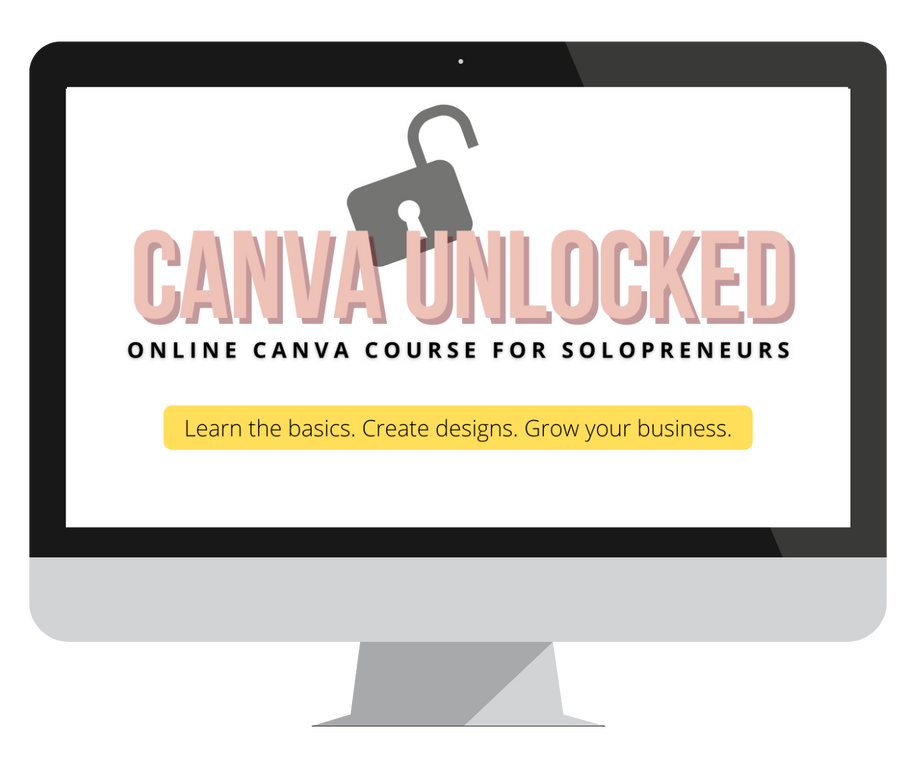
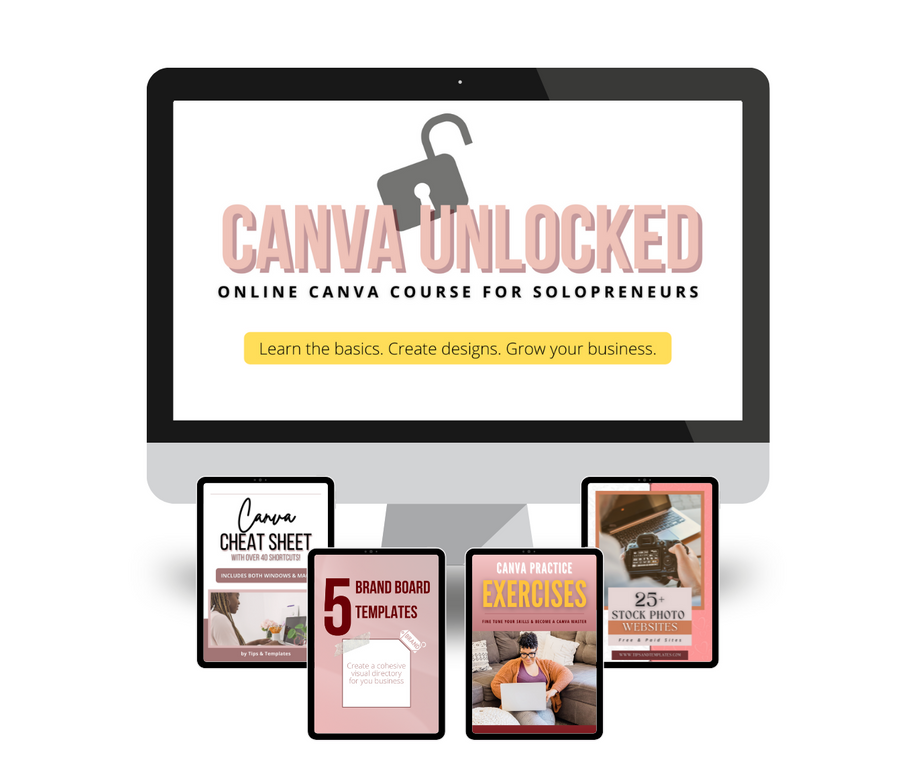
Lifetime Access to Canva Unlocked so you can learn the skills you need right now and refresh them later if needed
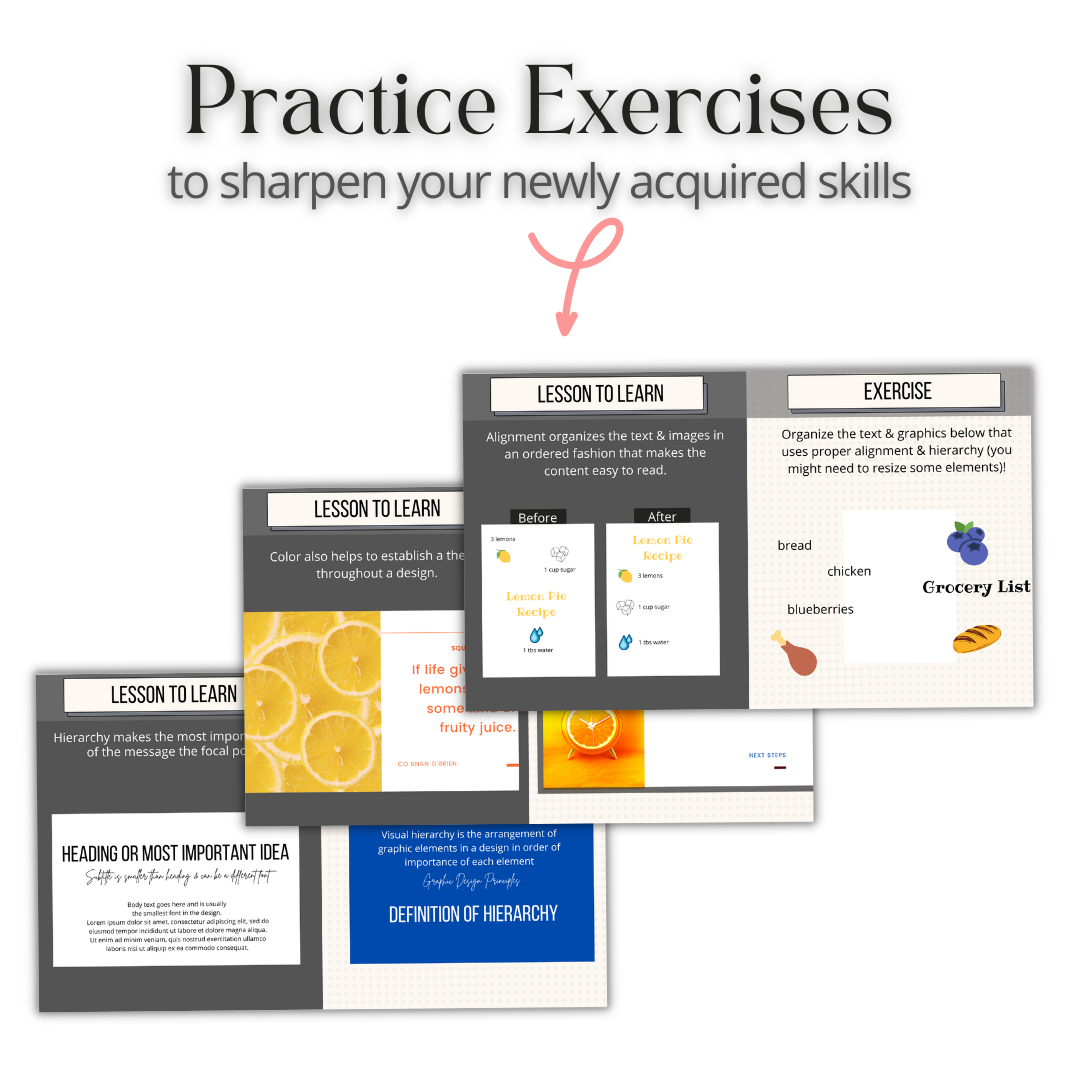
Short practice exercises so you can master your newly acquired skills in real-time

Canva Cheat Sheet chock full of handy keyboard shortcuts that makes working in Canva even easier
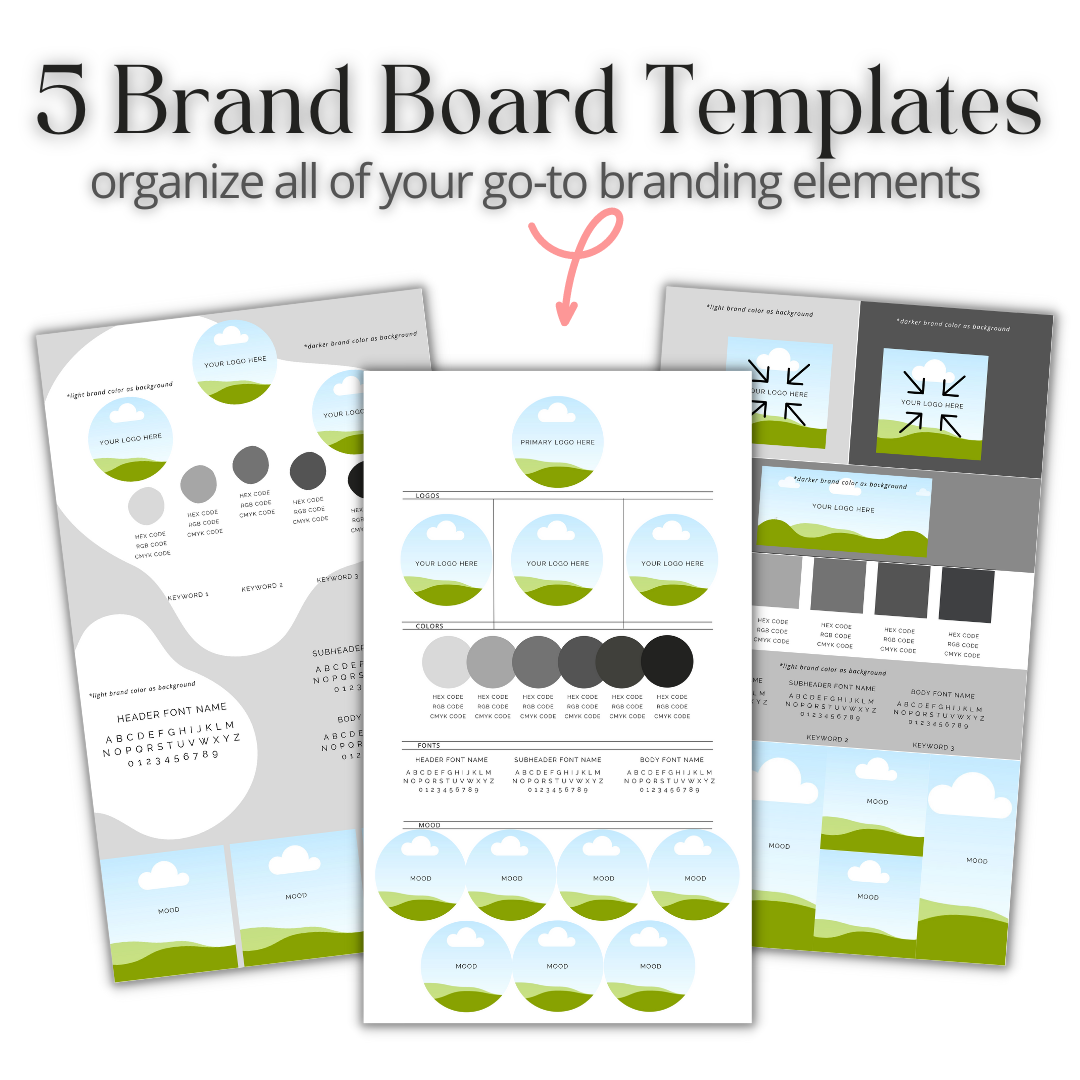
5 Brand Board Templates to organize all of your go-to branding elements for an easy & quick reference source
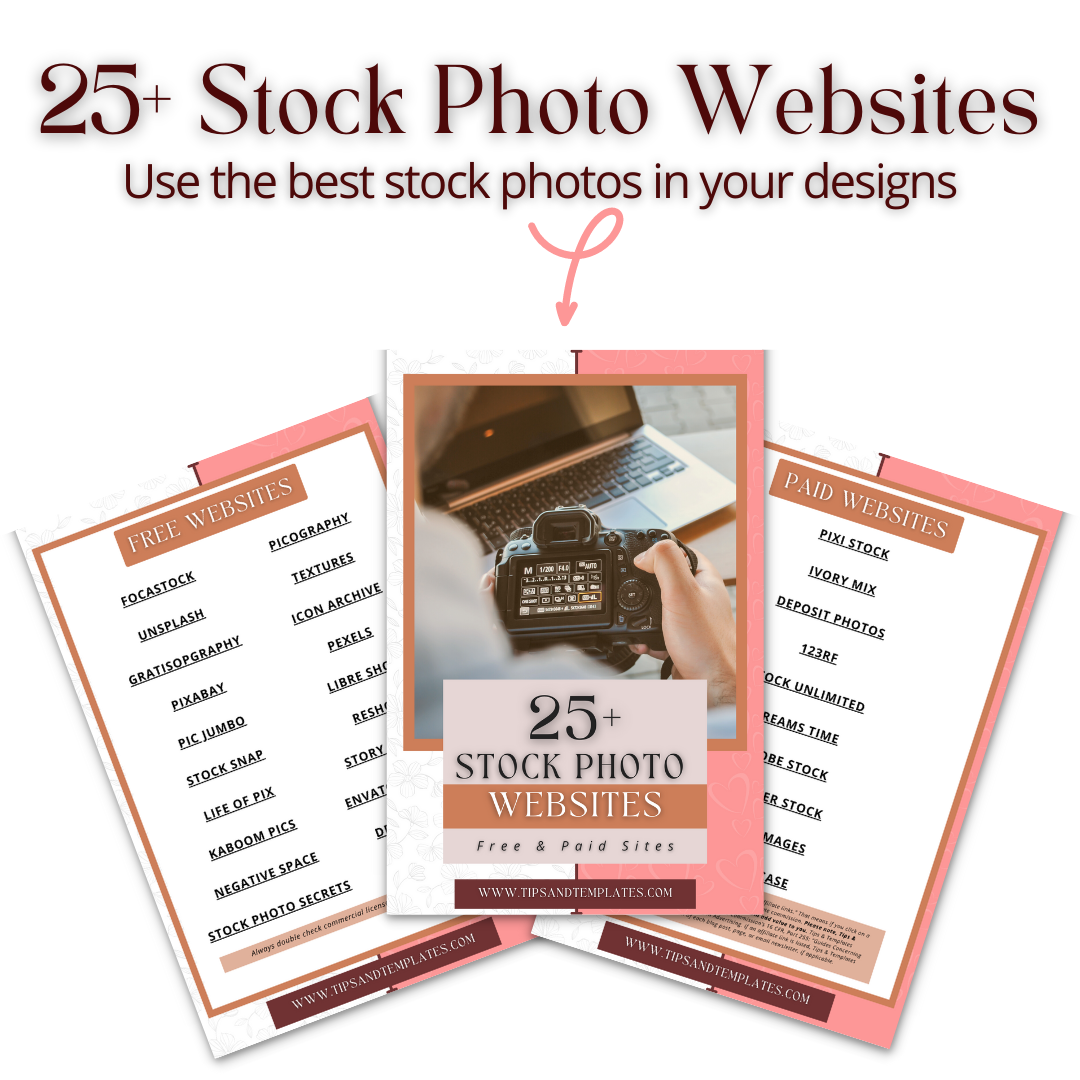
List of Free & Paid Stock Photo Websites so you can use the best stock images and videos in your graphics
With your determination and participation, you will go from Canva newbie to Canva master in just 3 days!
It's time to STOP struggling with Canva.
98% of the designs you need in your business, can be done by you

EVEN IF you are not a creative person
EVEN IF you’re not tech-savvy
EVEN IF you have struggled to figure this out on your own
EVEN IF you’re frustrated & confused
EVEN IF you’re ready to give up on Canva forever
EVEN IF you’ve hired a graphic designer in the past
You can develop graphic design and branding skills in just 3 days!
You may be thinking…
This all sounds great, but I am NOT a creative person at all!
Don’t worry about that!
Canva has thousands of templates that you can use and you'll learn my
6-step customization process
for converting any template into a unique and branded design.

The #1 mistake you can make is to start with a logo and brand colors, but actually, that’s one of the last
things you should do!
Just think about it, has having a logo and brand colors put your business in front of your target audience?
No! Of course not!
So if this is where you are right now, I'm a little worried because you and your business deserve more!
Start moving in the right direction and
enroll in Canva Unlocked today!
You may wonder, “Will this work for me?”
Have you said any of the following statements:
“I’ve never used it before, but everybody keeps talking about it.”
“I tried it out once before, but I haven’t really used it since.”
“I can’t even make it through a full YouTube tutorial before I turn the video off.”
“Nah, I can’t use Canva. It’s too complicated.”
“I have no design skills whatsoever.”
“I have too much to do. I don’t have time for this. I just wish I already knew how to do this stuff.”
Then, this is the course for you!
Canva Unlocked is designed for solopreneurs and other small business owners listed below!
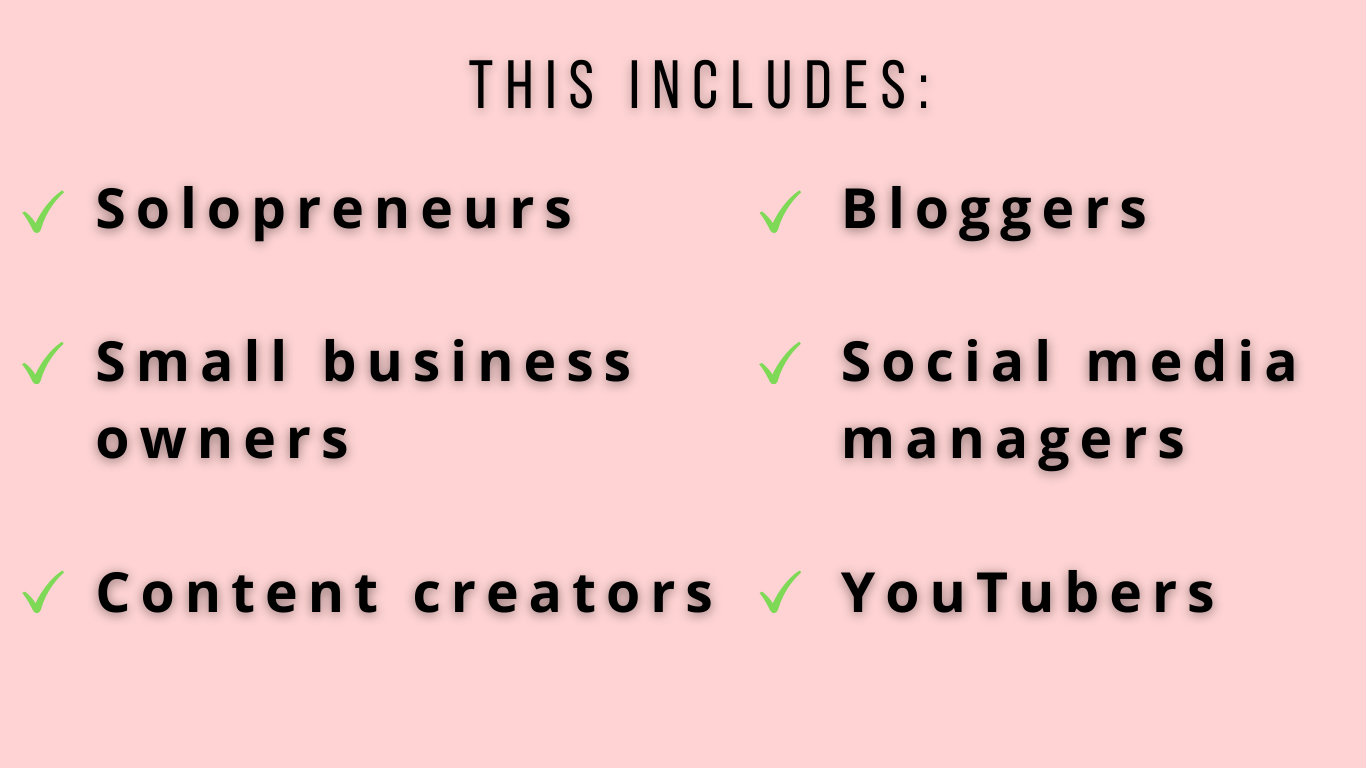
If you’re still unsure if Canva Unlocked is for you, shoot me an email at [email protected]
You are 3 days away from learning how to use Canva once and for all!
Btw, I'm Raquel
the brains behind Canva Unlocked!
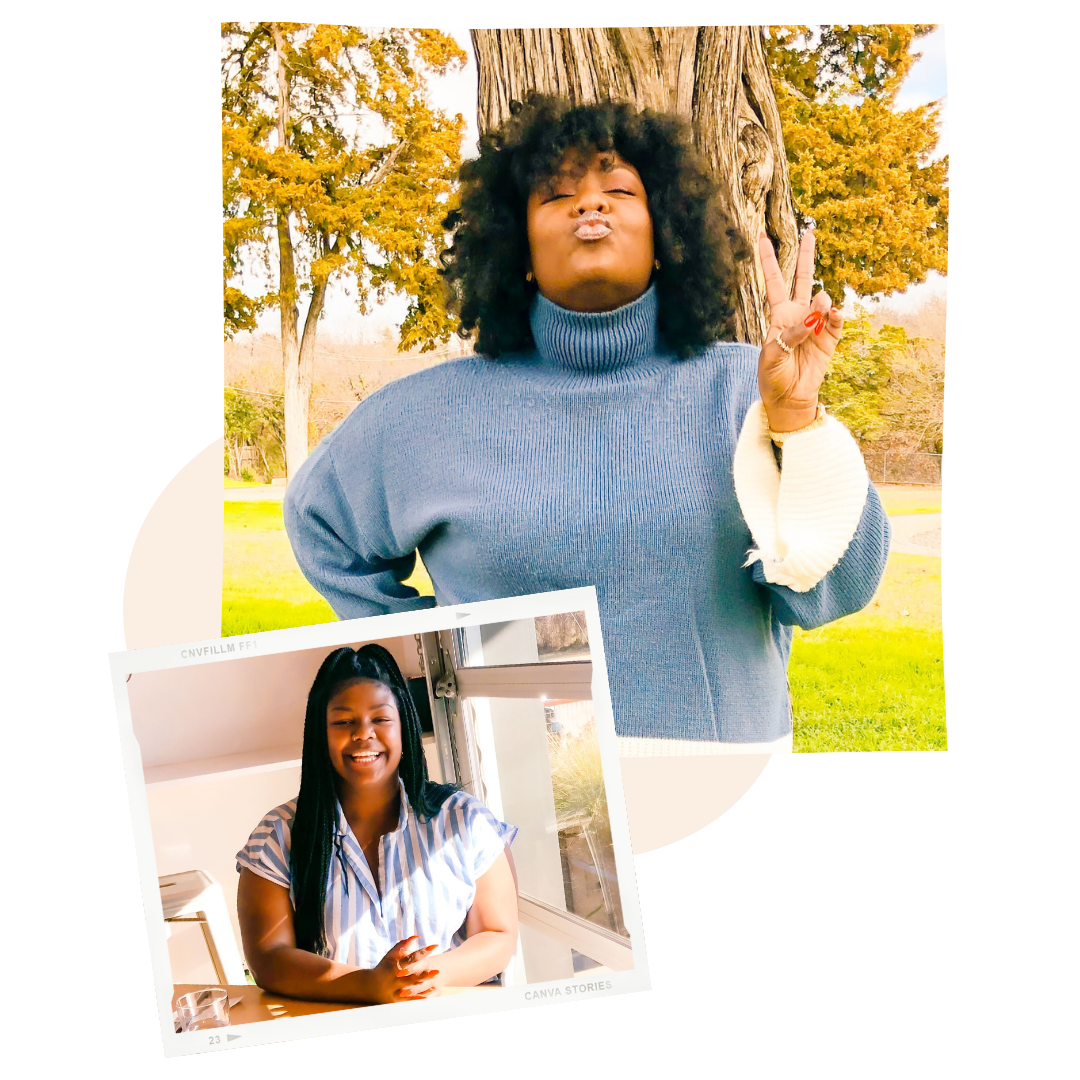
I'm a fellow solopreneur that transitioned to entrepreneurship after being diagnosed with lupus, a chronic autoimmune disease.
Like many of you, I wanted more autonomy over my daily schedule.
I use my passion for design & organization to help other small biz owners operate their businesses efficiently with ready-made templates and courses!
I've been using Canva almost daily for over 5 years and I've compiled all of my knowledge into this comprehensive course to help you become a Canva Master, too!
Let’s talk about expectations…
Just because you buy the course and skim through the lessons DOESN’T mean you’re going to make any real progress!
You need to COMMIT to actually implementing the lessons in the course.
The way I see it, you have two choices:
Choice #1
Keep wasting time trying to figure it out on your own
— or —
Choice #2
Take one weekend to implement the exact steps that have worked time and time again, and watch your brand and business come to life!
Here’s what’s included in Canva Unlocked:
MODULE 1: Canva 101
You’ll hit the ground running by diving straight into Canva tutorials! It’ll start with you learning how to create an account and you’ll progress through each lesson learning how to use the different tools.
Over 2.5 hours of video lessons
Learn step-by-step how to use Canva like the pros
6-Step Customization System that teaches you how to transform Canva templates into unique projects for your small biz
Practice exercises
MODULE 2: Graphic Design 101
In this module, you begin by learning the fundamentals of graphic design. You’ll learn how to recognize each principle in existing designs. Next, you’ll learn a handy acronym that makes the design process a breeze!
70 minutes of video lessons
Make your brand stand out so the people who need your help the most can find you
Learn the 8 graphic design principles you need to incorporate into all of your designs
Study real-world examples and learn how to recognize these principles in action
Practice exercises
MODULE 3: Branding for Beginners
In module 3, you’ll learn that one of the most important concepts that solopreneurs must grasp — branding! You will learn the importance of branding, why every biz needs one, and how to craft a brand for your business!
Learn the importance of branding and why every biz needs one, even small businesses
Learn the 5 branding principles every solopreneur must know to create a strong and cohesive brand
Study examples to get a clear understanding of the principles in action
MODULE 4: Let’s Create!
Lastly, you can choose from a number of video demonstrations of how to create real-world projects that you can replicate and start using immediately!
Over 60 minutes of video walkthroughs
Watch video demonstrations of how to apply the lessons in real-life examples
Create designs you can start using today
Plus 3 FREE Bonuses
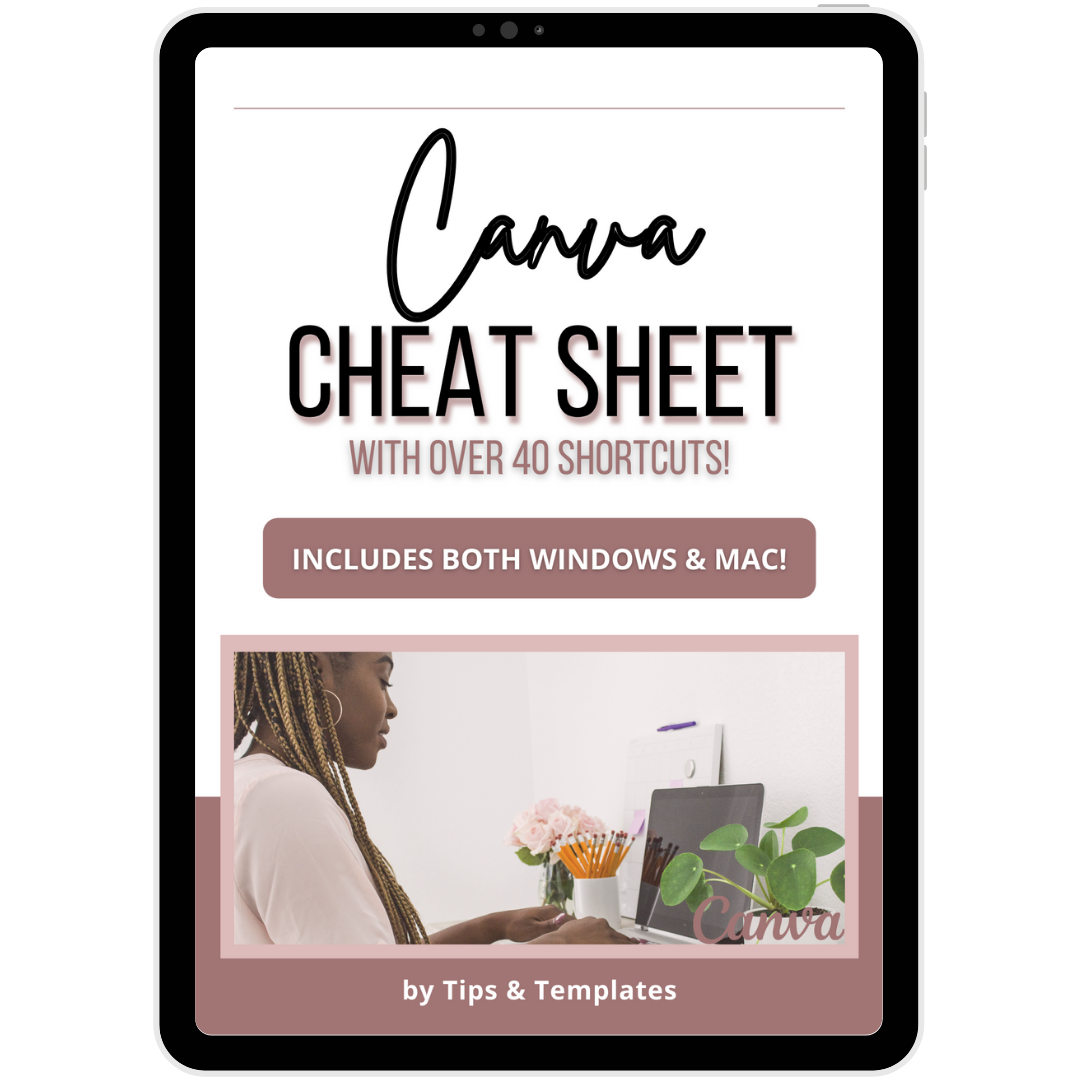
Canva Cheat Sheet
Value: $97
Complete list of keyboard shortcuts that make using Canva a lot easier and quicker
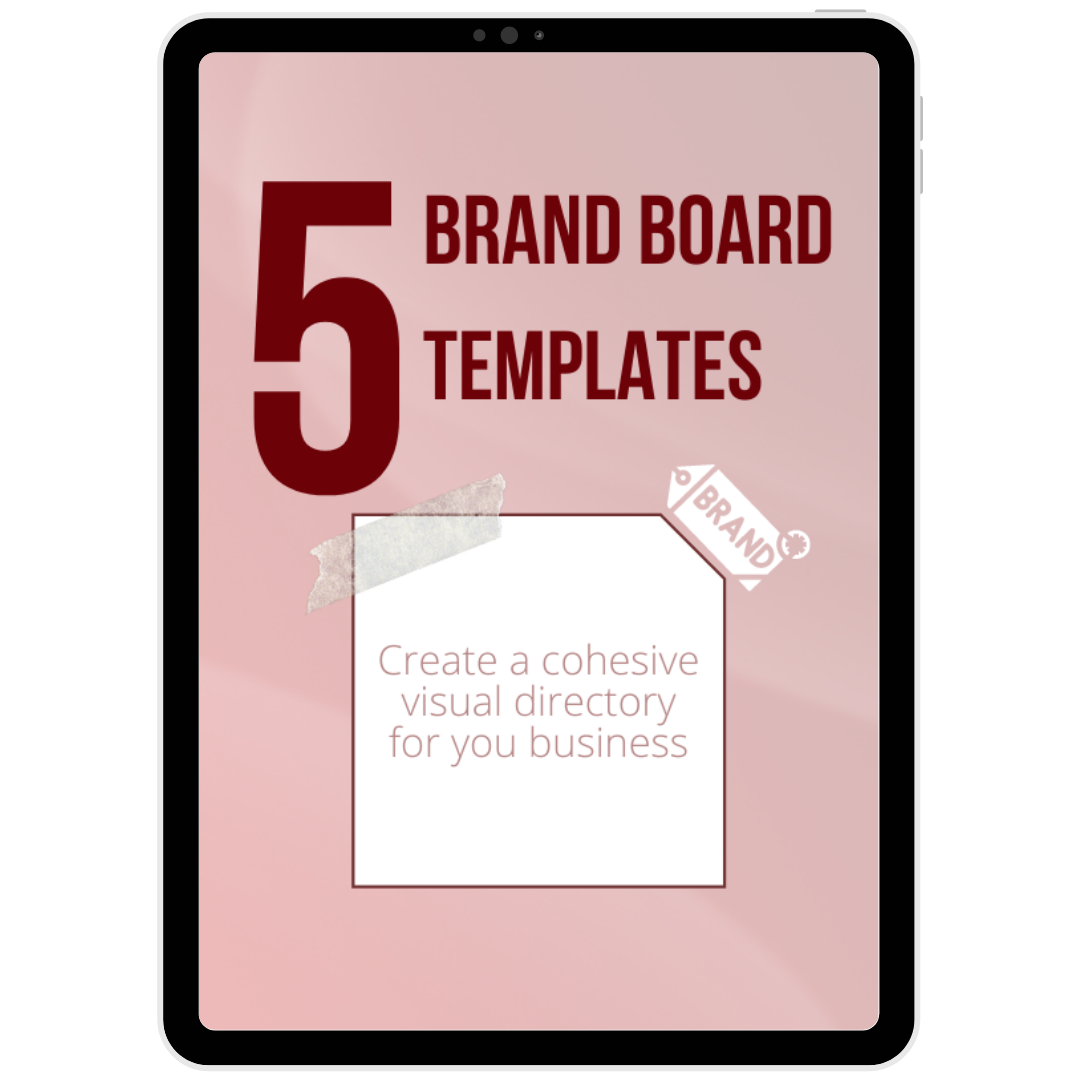
5 Brand Board Templates
Value: $197
Professionally designed brand board templates that will help you organize all your most important branding elements in one location
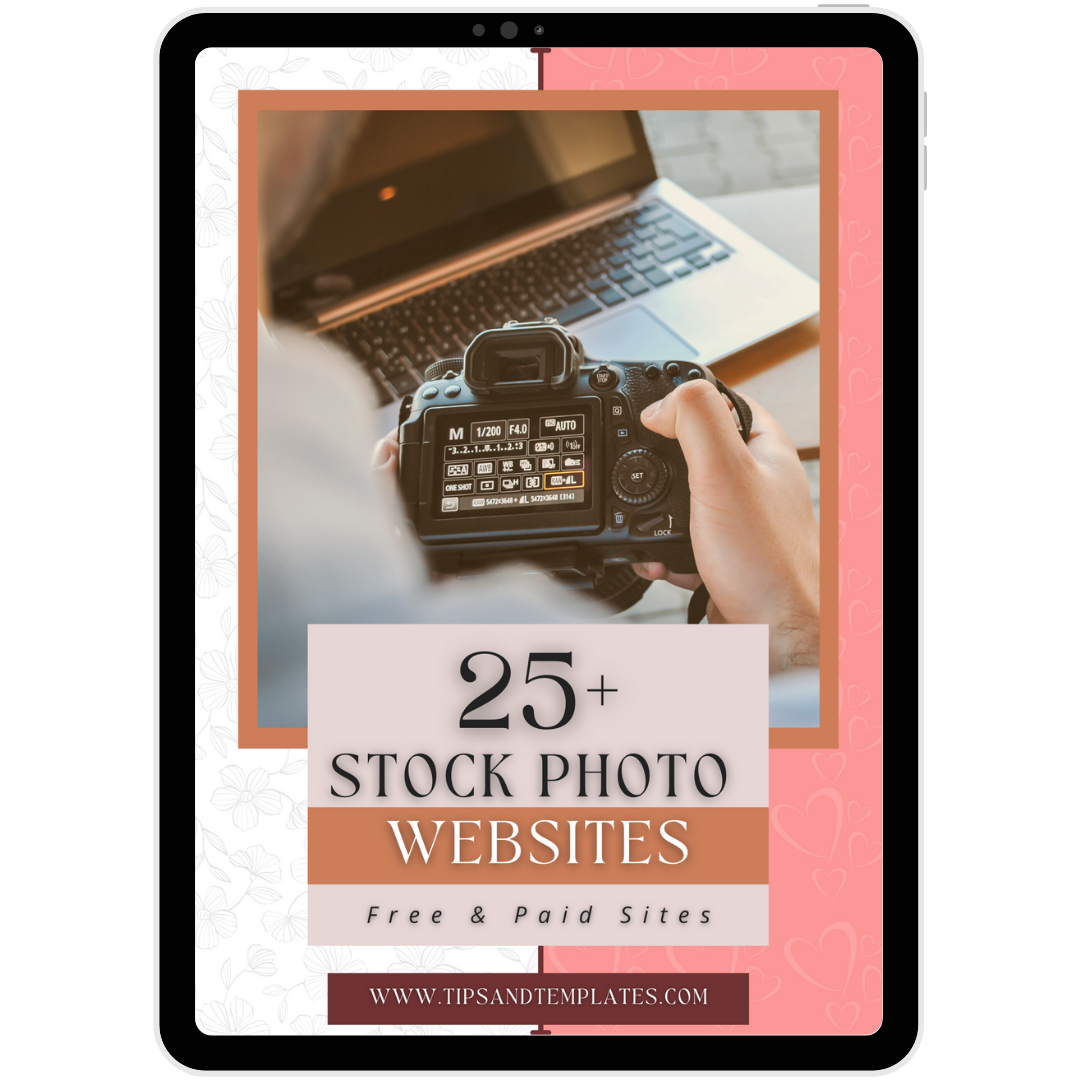
Stock Photo Websites
Value: $57
Comprehensive list of websites with the best stock images and videos. (It took me hours to find reputable sites and I don’t want you to waste time doing that, so I did it for you!)
Frequently Asked Questions
I am a SUPER beginner? Will this course be helpful?
That is perfect. I made this course for you! Whether you’ve dabbled in Canva or you’re completely new to the game, you will leave this course knowing exactly what to do!
I am interested in this course. I keep seeing people talk about Canva but I have never used it.
That's fine! I have video tutorials that show you step-by-step how to use Canva to create beautiful designs for your business.
Is there a payment plan?
No, there is no payment plan.
Is there a refund policy?
No, there is no refund policy.
When do I get access to the course?
Immediately!
Are the lessons recorded and do students have forever access.
Yes, the sessions are prerecorded and you will have LIFETIME access. Lifetime access includes all future updates to the course, as well. THE NEXT COURSE UPDATE IS SCHEDULED FOR JUNE 12, 2022
How long does it take to complete the course?
The course is short & sweet. It should take a maximum of 3 days to complete it. The bonus practice exercises I’ve included should take less than 10 minutes each!
How often is the course updated?
The course is updated after Canva introduces major changes to their platform. THE NEXT COURSE UPDATE IS SCHEDULED FOR JUNE 12, 2022
Can I reach out to you if I have any problems?
Also, what about after-support?